
Salesforce has transformed the way businesses connect with customers, partners, and employees. While many people know Salesforce for its CRM capabilities, Salesforce Experience Cloud takes collaboration and engagement to the next level. It helps organizations create personalized digital experiences through branded websites, customer portals, partner portals, and employee communities.
If you are a fresher planning to build a career in Salesforce, learning Salesforce Experience Cloud can open exciting job opportunities. Businesses across industries are adopting Experience Cloud to improve customer service, increase partner collaboration, and enhance employee productivity.
In this guide, you’ll learn what Salesforce Experience Cloud is, its key features, benefits, real-world use cases, and why it is an excellent skill for beginners.
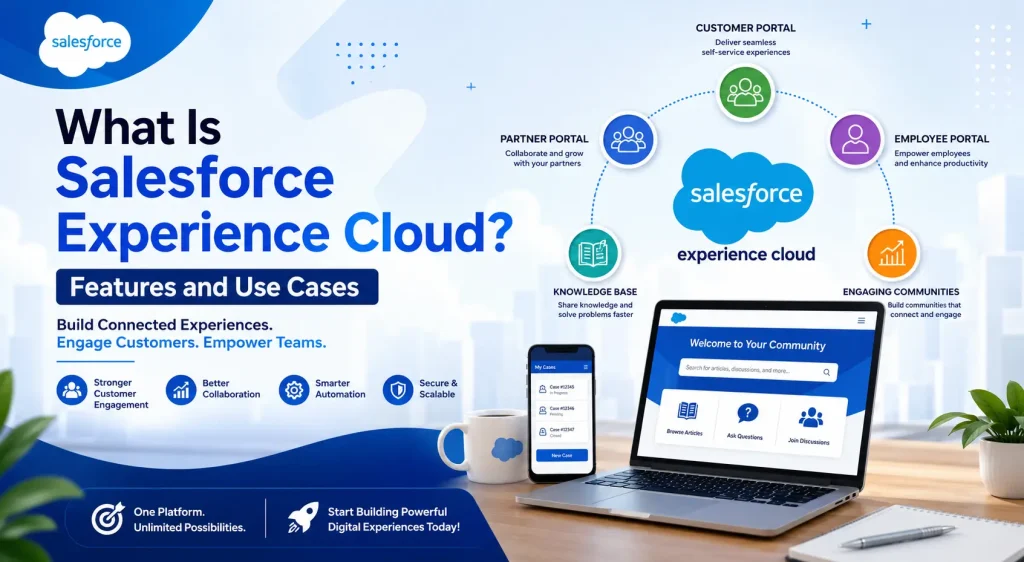
Salesforce Experience Cloud is a digital experience platform that enables businesses to build secure online communities, portals, and websites using the Salesforce platform. It allows companies to share information, collaborate with customers, partners, employees, and other stakeholders through a personalized online experience.
Previously known as Salesforce Community Cloud, Experience Cloud offers more advanced capabilities, including AI-powered personalization, automation, and seamless integration with Salesforce CRM.
With Experience Cloud, organizations can:
The platform provides a low-code environment, making it easier for administrators and developers to create engaging digital experiences without extensive coding.
Modern customers expect quick support, easy access to information, and personalized experiences. Businesses also need efficient ways to collaborate with partners and employees.
Salesforce Experience Cloud solves these challenges by providing a single platform where users can:
As more companies embrace digital transformation, the demand for Experience Cloud professionals continues to grow.
1. Experience Builder
Experience Builder is a drag-and-drop tool that helps users create attractive websites and portals without writing complex code.
Benefits include:
Freshers can quickly learn Experience Builder because of its user-friendly interface.
2. Customer Self-Service Portal
Customers can independently find answers to their questions using:
This reduces support tickets and improves customer satisfaction.
3. Partner Portal
Companies often work with distributors, resellers, and business partners.
Experience Cloud allows partners to:
This improves communication and increases productivity.
4. Employee Portal
Organizations can build internal employee communities where staff members can:
Employee portals improve workplace communication and knowledge sharing.
5. Knowledge Management
Businesses can publish articles that answer common customer questions.
Knowledge management helps organizations:
6. Mobile-Friendly Experience
Experience Cloud automatically creates responsive websites that work on:
Users enjoy a consistent experience across all devices.
7. Secure Access and Permissions
Security is one of Salesforce’s biggest strengths.
Experience Cloud provides:
Organizations control who can view and edit information.
8. Salesforce CRM Integration
Experience Cloud connects directly with Salesforce CRM.
Users can access:
This eliminates duplicate data and improves business efficiency.
Organizations gain several advantages after implementing Experience Cloud.
Better Customer Experience
Customers receive instant support through self-service portals and knowledge articles.
Increased Employee Productivity
Employees find information quickly and collaborate more efficiently.
Stronger Partner Relationships
Partners gain secure access to business resources and sales information.
Faster Communication
Communities improve communication between customers, employees, and partners.
Improved Business Efficiency
Automation reduces manual work and speeds up business processes.
Personalized User Experience
Users see relevant content based on their profiles, roles, and preferences.
Lower Support Costs
Self-service reduces the number of customer support requests.
Scalable Platform
Businesses can expand their communities as they grow without rebuilding the platform.
Customer Support Community
A software company creates a customer portal where users can:
Customers solve many issues without contacting support.
Partner Collaboration Portal
A manufacturing company works with distributors worldwide.
Partners use Experience Cloud to:
Sales collaboration becomes faster and more transparent.
Employee Intranet
A multinational organization builds an internal portal where employees can:
This creates a connected workforce.
Educational Institutions
Colleges and universities use Experience Cloud for:
Students receive a better digital learning experience.
Healthcare Organizations
Hospitals use Experience Cloud to allow patients to:
This improves patient engagement.
Learning Salesforce Experience Cloud can help freshers start rewarding careers.
Popular job roles include:
Companies across IT, healthcare, banking, retail, education, manufacturing, and finance actively hire professionals with Experience Cloud skills.
To become job-ready, beginners should focus on:
Hands-on practice through real projects strengthens practical knowledge and boosts confidence.
Salesforce continues to dominate the CRM market, and organizations increasingly rely on digital portals to improve customer and partner engagement. As businesses invest in digital transformation, the need for professionals who can build and manage Experience Cloud solutions is growing rapidly.
For freshers, Experience Cloud offers an excellent starting point because it combines low-code tools with real-world business applications. Learning how to create customer portals, partner communities, and employee sites helps you develop practical skills that employers value. By pairing Experience Cloud knowledge with Salesforce Administration and Flow Automation, you can build a strong foundation for a successful career in the Salesforce ecosystem.
Salesforce Experience Cloud is a powerful platform that enables organizations to create secure, engaging, and personalized digital experiences for customers, partners, and employees. Its drag-and-drop tools, seamless CRM integration, automation capabilities, and strong security make it one of the most valuable Salesforce products for modern businesses.
For freshers, mastering Salesforce Experience Cloud is a smart career investment. It not only enhances your understanding of the Salesforce platform but also prepares you for high-demand roles in CRM administration, development, and consulting. With consistent learning, hands-on projects, and relevant certifications, you can confidently begin your journey toward a successful Salesforce career.